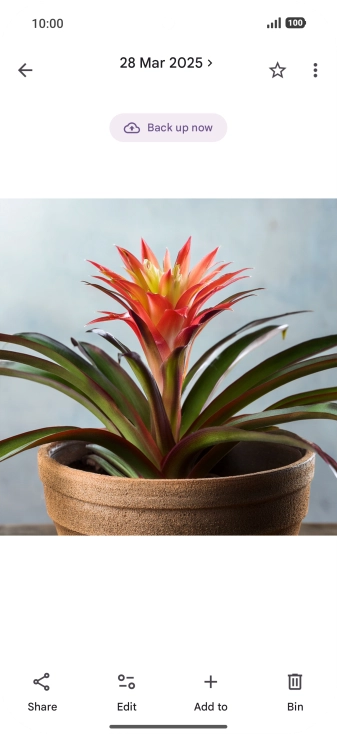
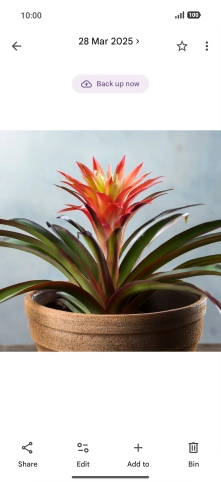
1. Use Circle to Search (Circle to Search by Google)
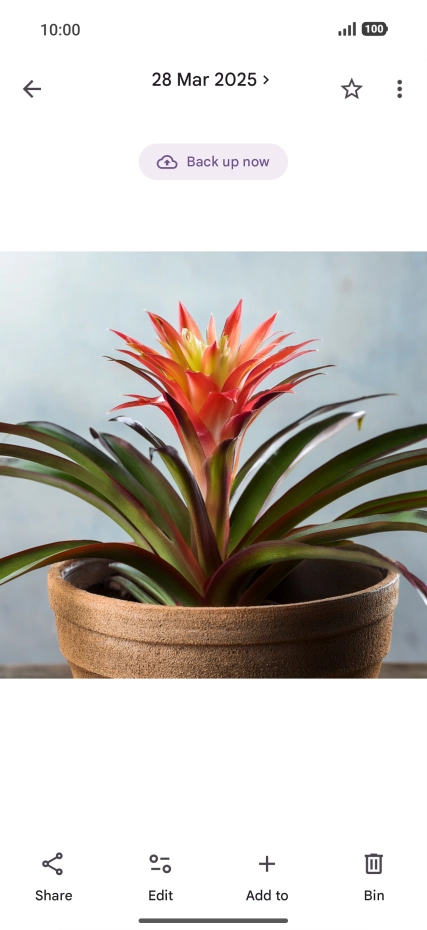
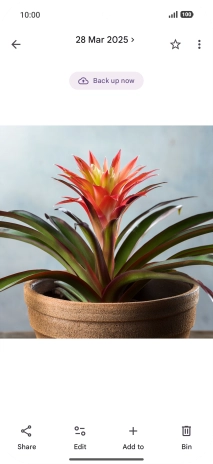
Go to the required picture.
1. Use Circle to Search (Circle to Search by Google)
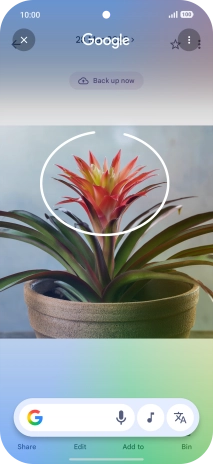
Press and hold the bottom of the screen.
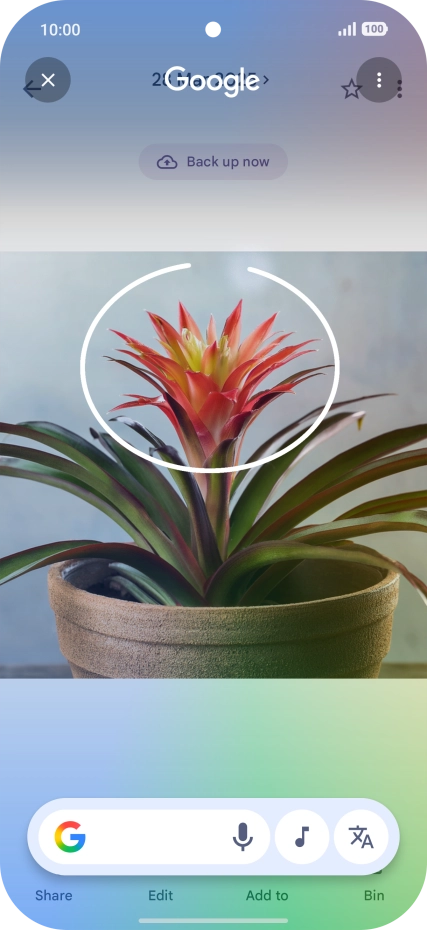
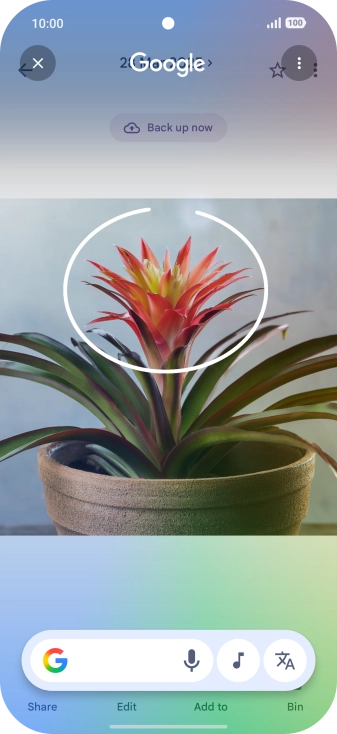
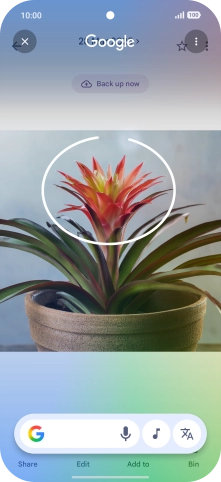
1. Use Circle to Search (Circle to Search by Google)
Draw a circle around the required object on the picture and wait for the search results.
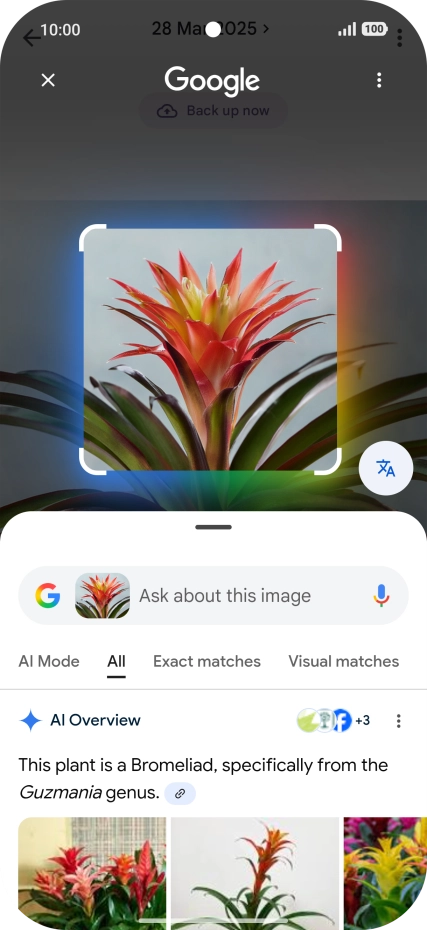
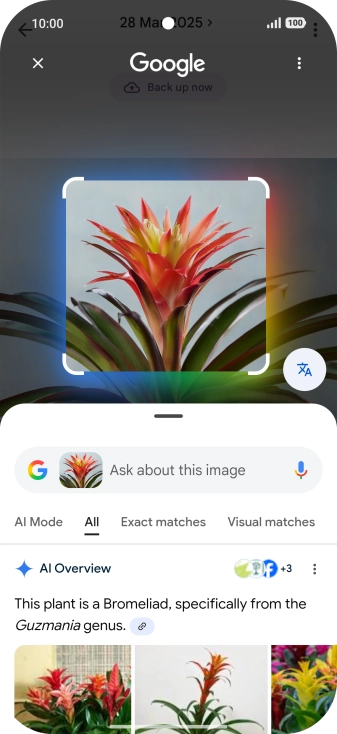
1. Use Circle to Search (Circle to Search by Google)
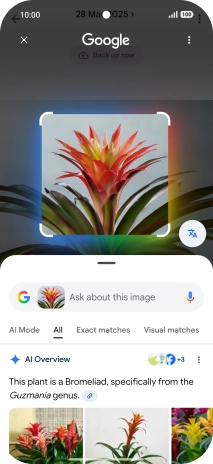
Follow the instructions on the screen to use the search results.
1. Use Circle to Search (Circle to Search by Google)
Press the close icon to return to the picture.
2. Use AI for text editing
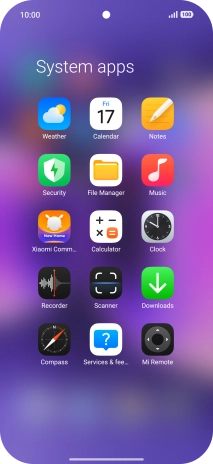
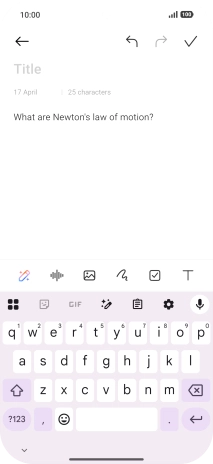
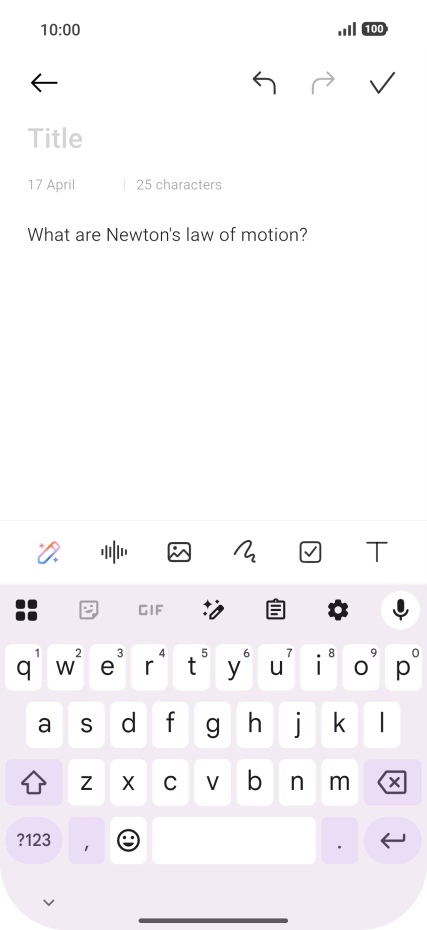
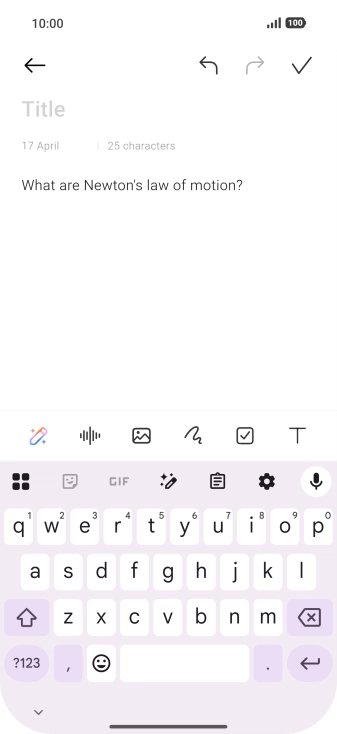
Open a supported app, e.g. Notes, and key in the required text, topic or some keywords.
2. Use AI for text editing
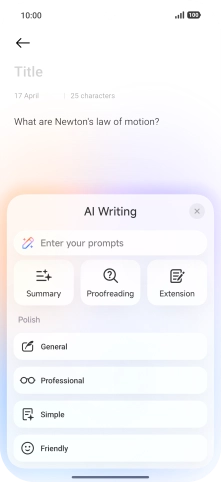
Press the AI icon.
2. Use AI for text editing
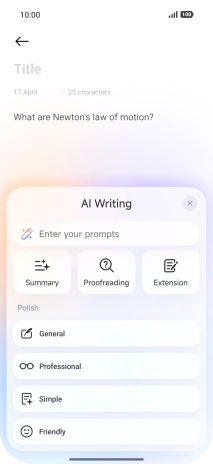
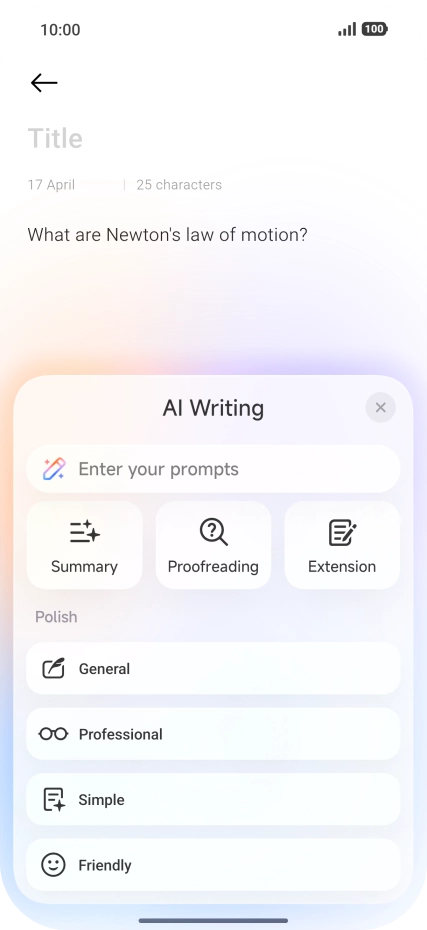
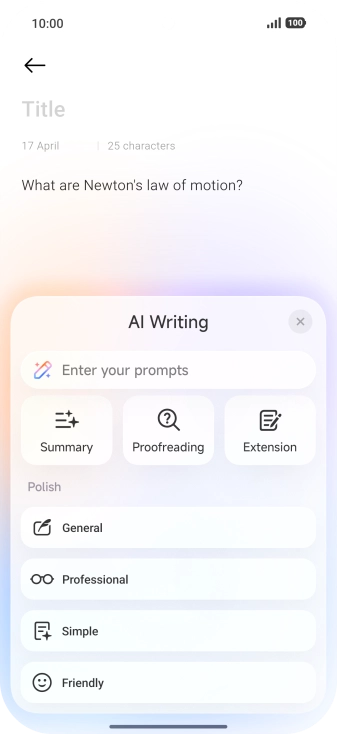
To generate a text, press the text input field.
2. Use AI for text editing
To generate a summary of the text, press Summary.
2. Use AI for text editing
To check your text for grammatical and spelling errors, press Proofreading.
2. Use AI for text editing
To continue writing your text, press Extension.
2. Use AI for text editing
To change the writing style of your text, press the required writing style.
1. Use Circle to Search (Circle to Search by Google)
2. Use AI for text editing