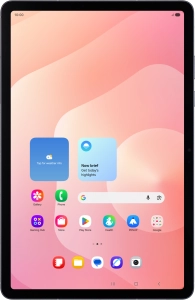
Help and Support for
Samsung Galaxy Tab S11 5G
Android 16
Choose a help topic
Activate eSIM on your Samsung Galaxy Tab S11 5G Android 16
In addition to your normal SIM, you can also use an eSIM in your tablet. An eSIM is a digital SIM that enables you to activate a price plan without the use of a physical SIM. To activate your eSIM, you need to set up your tablet for internet or establish a connection to a Wi-Fi network.