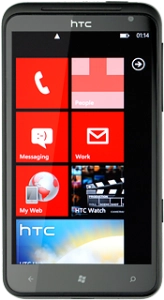
Help and Support for
HTC Titan
Choose a help topic
You can send and retrieve email messages from a web-based email account, such as Hotmail, Yahoo! Mail and Gmail. Follow these instructions to set up your phone for web-based email.
Before you can set up your phone for web-based email, you need an account with the required email provider. If you don't have an account, you can set one up on the web page of the email provider.
Please note that the steps below are based on a web-based email account. If you have a POP3 email account, you need to use the settings for POP3 email. Click here for information on how to set up your phone for internet.
Before you can set up your phone for web-based email, you need an account with the required email provider. If you don't have an account, you can set one up on the web page of the email provider.
Please note that the steps below are based on a web-based email account. If you have a POP3 email account, you need to use the settings for POP3 email. Click here for information on how to set up your phone for internet.