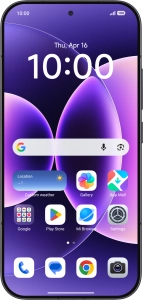
Help and Support for
Xiaomi 17
Android 16
Choose a help topic
Turn automatic synchronisation of content on your Xiaomi 17 Android 16 on or off
You can access the contents of your phone on other devices by turning on automatic content synchronisation.