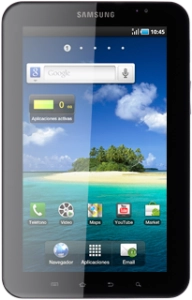
Help and Support for
Samsung Galaxy Tab
Choose a help topic
The PIN protects your SIM card from unauthorised use. If the PIN is activated, it needs to be keyed in when you turn on the device. Follow these instructions to change the PIN.
You need to activate use of the PIN before you can change the PIN. Click here to see how.
You need to activate use of the PIN before you can change the PIN. Click here to see how.