Help and Support for
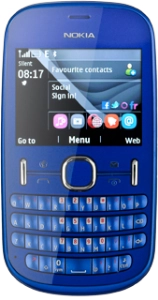
Nokia Asha 201
Choose a help topic
Before updating your phone's software, it's recommended that you back up the phone memory to ensure that no data is lost. It can also be useful to back up the phone memory regularly to ensure that no data is lost in case of defects and crashes. Follow these instructions to back up the phone memory.
Before you can back up the phone memory, you need to insert a memory card. Click here for information on how to insert a memory card into your phone.
Before you can back up the phone memory, you need to insert a memory card. Click here for information on how to insert a memory card into your phone.