Help and Support for
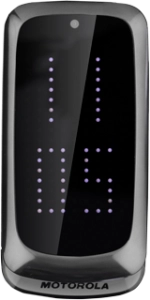
Motorola Gleam+
Choose a help topic
Twitter is a social network allowing you to write your own and read others' status updates in messages not exceeding 140 characters. The status updates are displayed on your profile and are received by people who follow you. You decide who you want to receive status updates from. Follow these instructions to use the Twitter application.
Before you can use Twitter, you need a Twitter profile. If you don't have a Twitter profile, you can create one at www.twitter.com
You need to set up your phone for internet to use this function. Click here for information on how to set up your phone for internet.
If you don't want to use the Twitter application, you can use your phone's browser: open the browser and connect to http://mobile.twitter.com
Before you can use Twitter, you need a Twitter profile. If you don't have a Twitter profile, you can create one at www.twitter.com
You need to set up your phone for internet to use this function. Click here for information on how to set up your phone for internet.
If you don't want to use the Twitter application, you can use your phone's browser: open the browser and connect to http://mobile.twitter.com